
Deploy to Your Own AWS Account
This guide will walk you through deploying your site to your own AWS account using Staticbot. This gives you full control over your infrastructure, compliance, and billing, with no markup on AWS costs.
Deployment Workflow
1
Connect Your AWS Account
Before you can deploy, connect your AWS account to Staticbot securely. This grants us permission to provision resources on your behalf.
View Connection Guide2
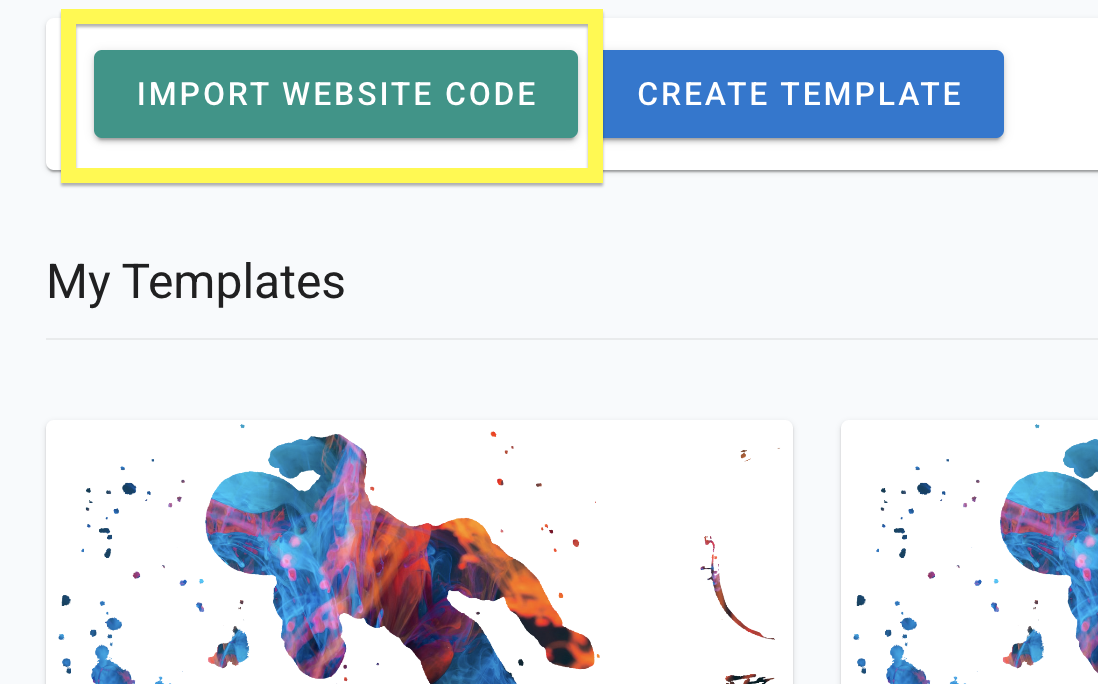
Import Your Project's Code
Paste your GitHub repo link. This will create a Template with your codebase.
3
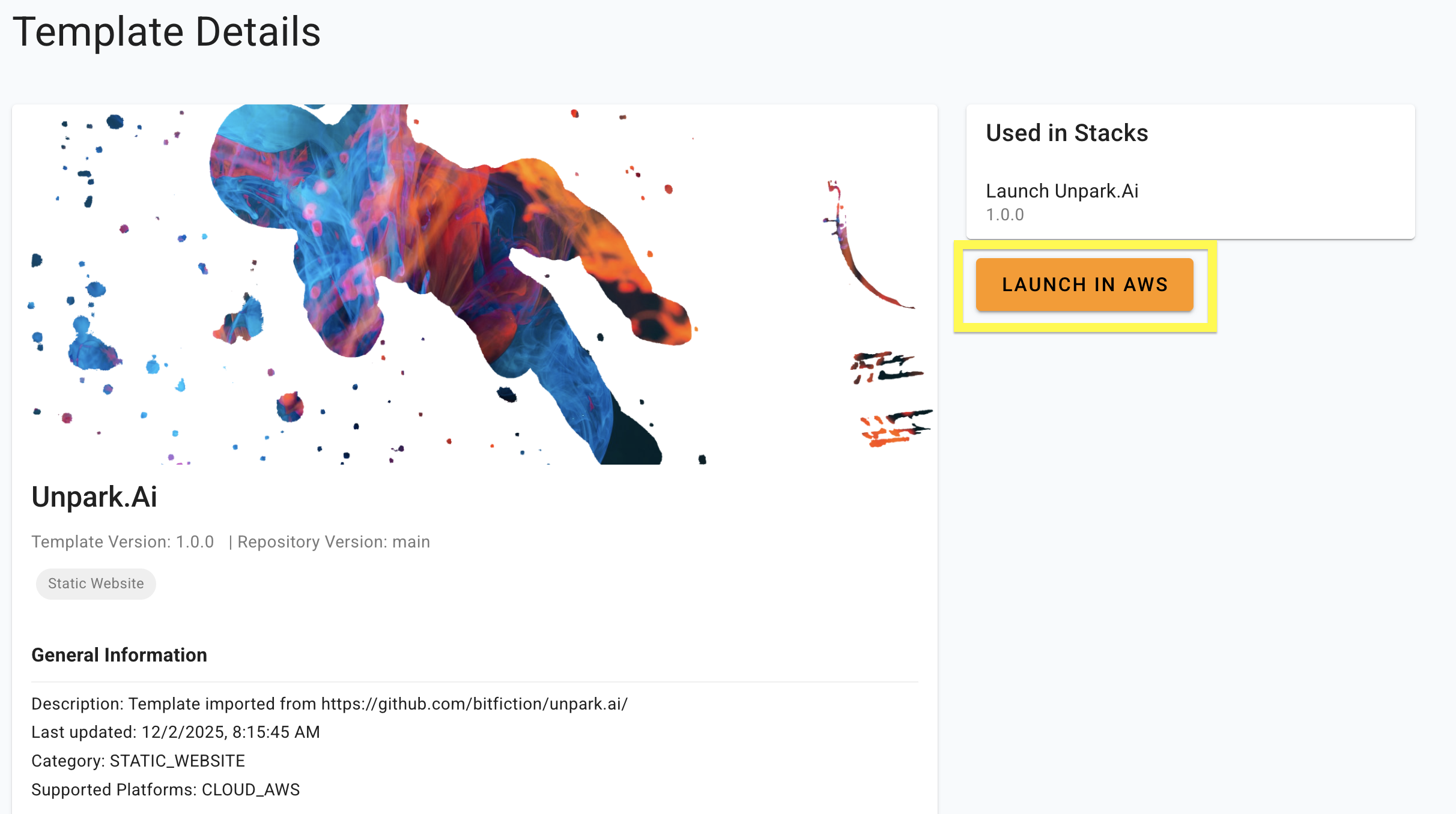
Launch in AWS
From the Template view, choose Launch in AWS to create a Stack with minimal infrastructure for scalable website deployment.
4
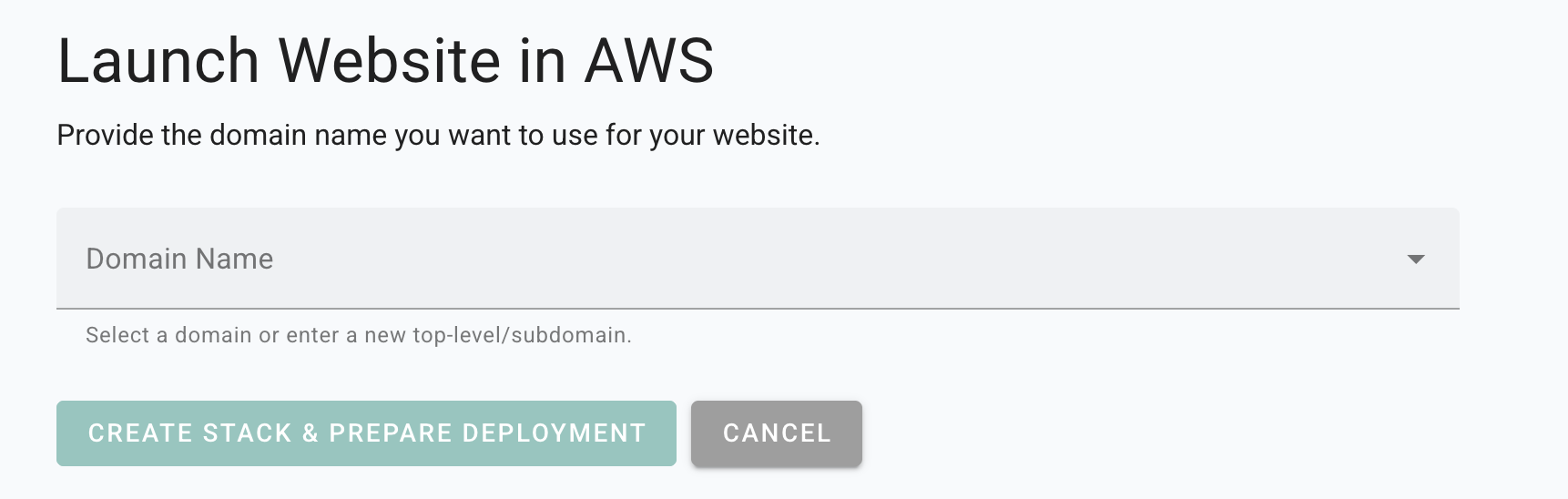
Enter the Domain
Staticbot will provide instructions to point your custom domain to your new AWS distribution.
5
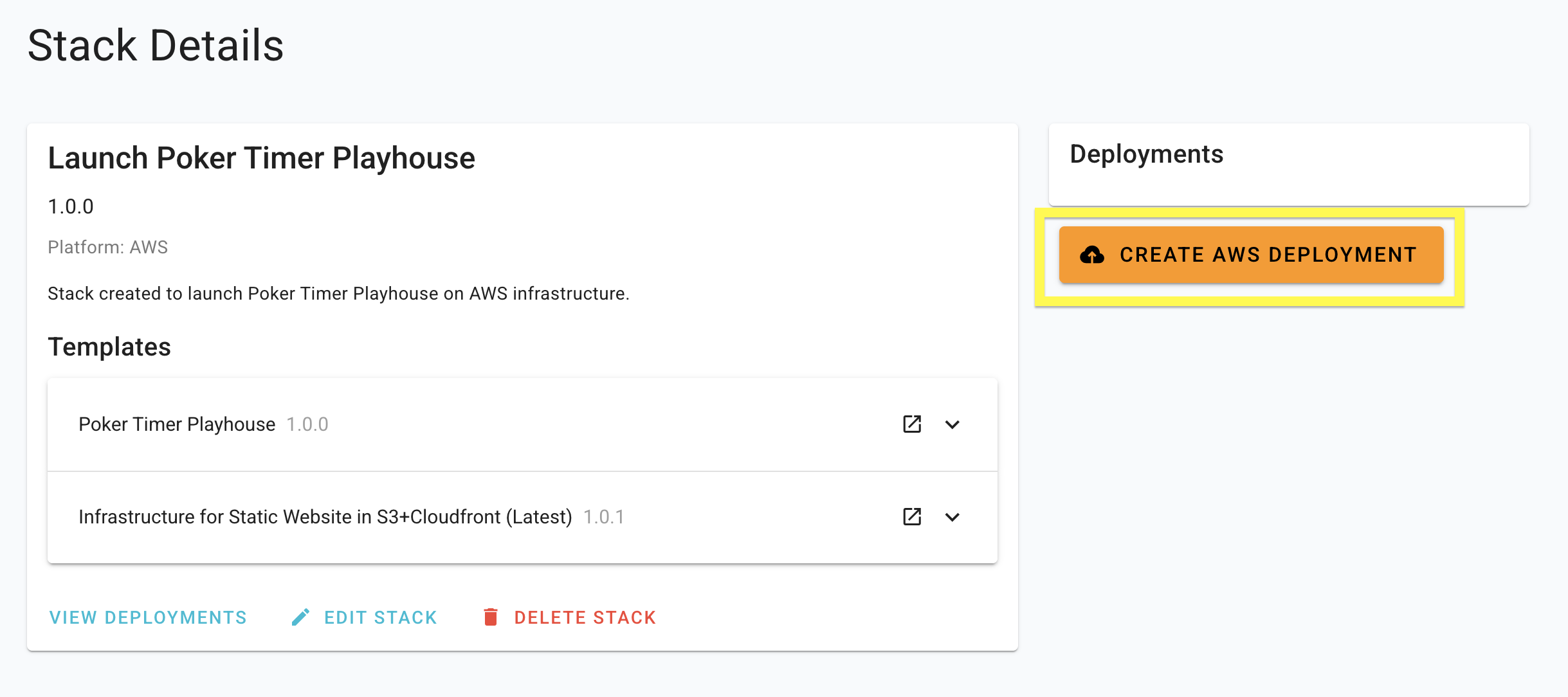
Deploy
Staticbot will provision the Stack you created, first creating or updating the necessary infrastructure and then rolling out your website on top of it.
Why Own Your Infrastructure?
- Direct AWS BillingPay AWS directly. No markup. Often free for small sites.
- Full ControlAccess S3 buckets and CloudFront distributions directly in your AWS console.
- No Vendor Lock-inWe export the Terraform code to your S3 bucket. You own the IaC.
- Enterprise Grade leverage the same infrastructure used by Netflix and Airbnb.