

Deploy from v0 with Staticbot
This guide will show you how to host your project built with v0, Vercel's generative UI tool, on AWS S3 and Cloudfront using Staticbot.
1Sync to GitHub
In the v0 interface, click the "Add to Codebase" or "Export" button at the top right. Then select "Push to GitHub" to save your project to a new repository.
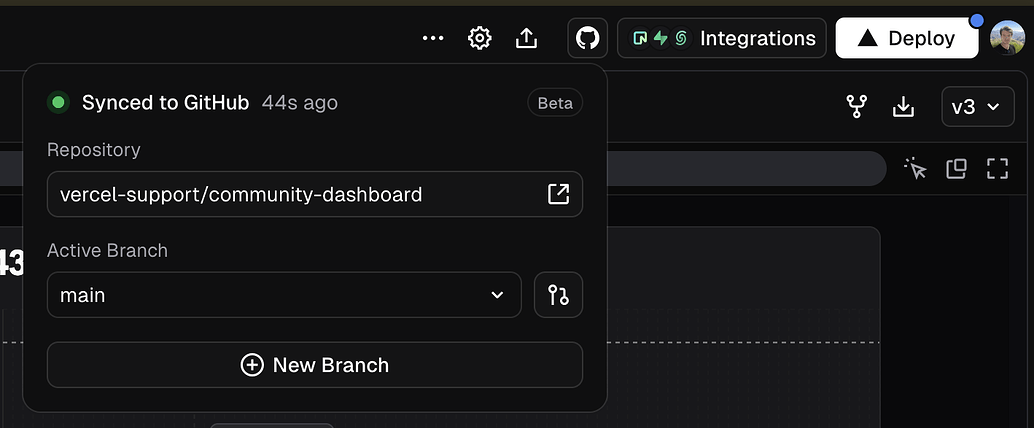
This repository will serve as the source of truth for your deployment.
2Deploy with Staticbot
With your project on GitHub, you can now use Staticbot to set up automated deployment.
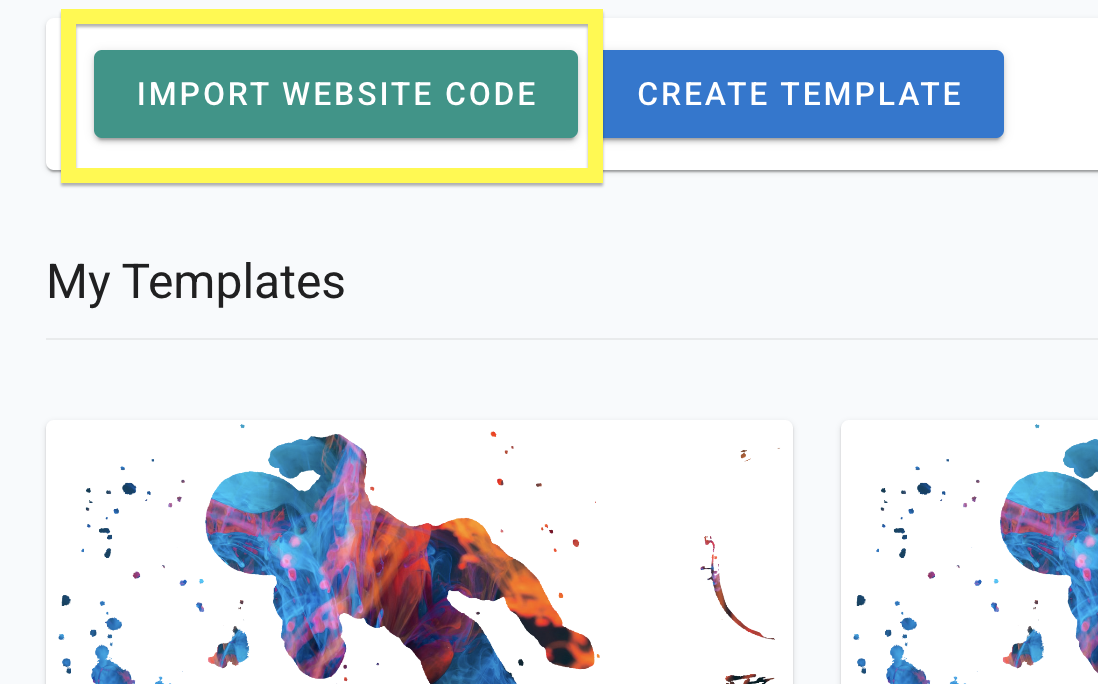
Import Your Project's Code
Paste your GitHub repo link. This will create a Template with your codebase.
Launch — AWS or Cloudflare, depending on your project
Staticbot auto-detects what kind of project you have and shows the right launch button:
Classic Vite + React, plain HTML, or any pre-built static bundle. Deploys to AWS S3 + CloudFront — your AWS account or Staticbot-managed.
TanStack Start (Lovable's new default), Nuxt 3, SolidStart, Astro with the CF adapter, or any app that builds for Cloudflare Workers. Deploys to a Staticbot-managed Cloudflare account. read more
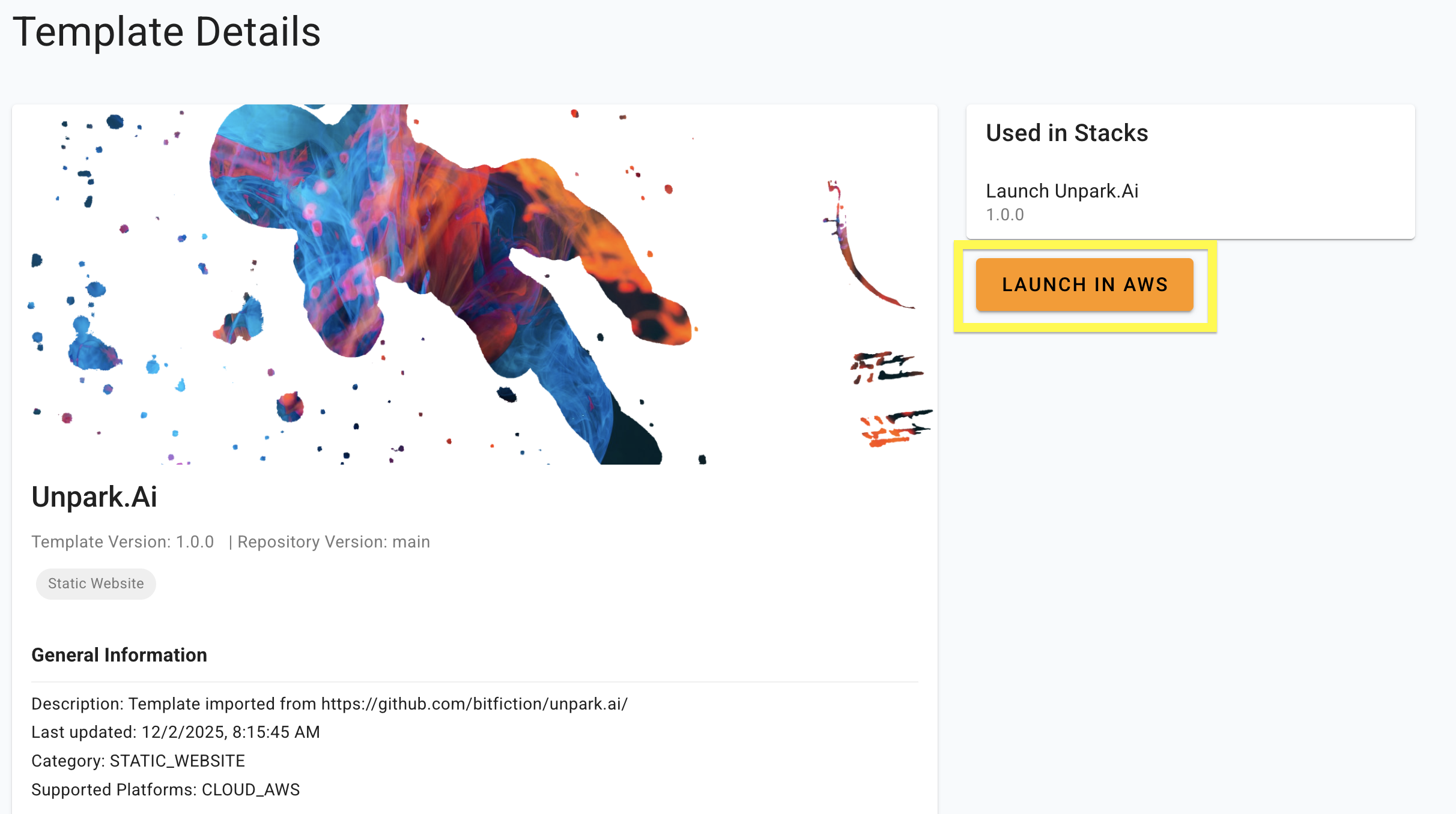
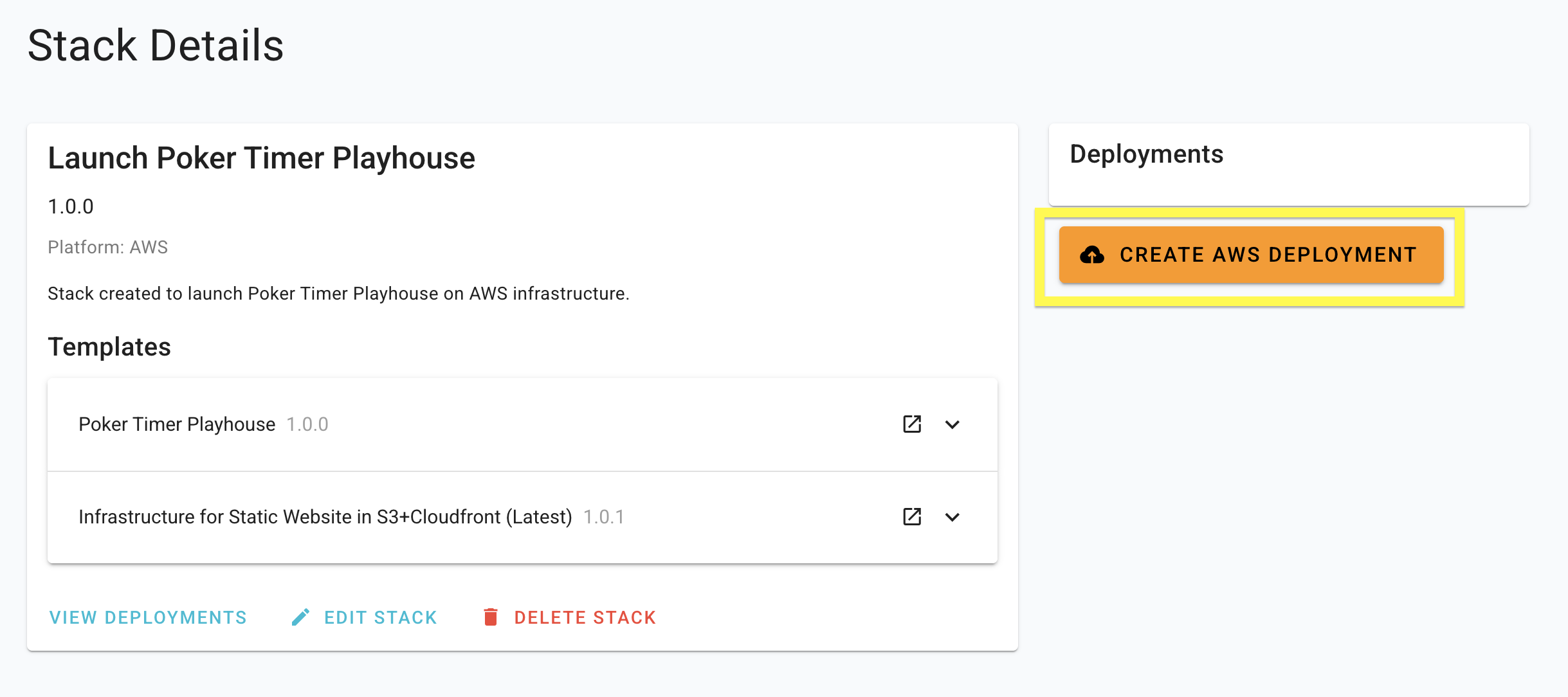
The screenshot below shows the older "Launch in AWS" button. The dashboard now picks the right target for you — newer screenshots coming.
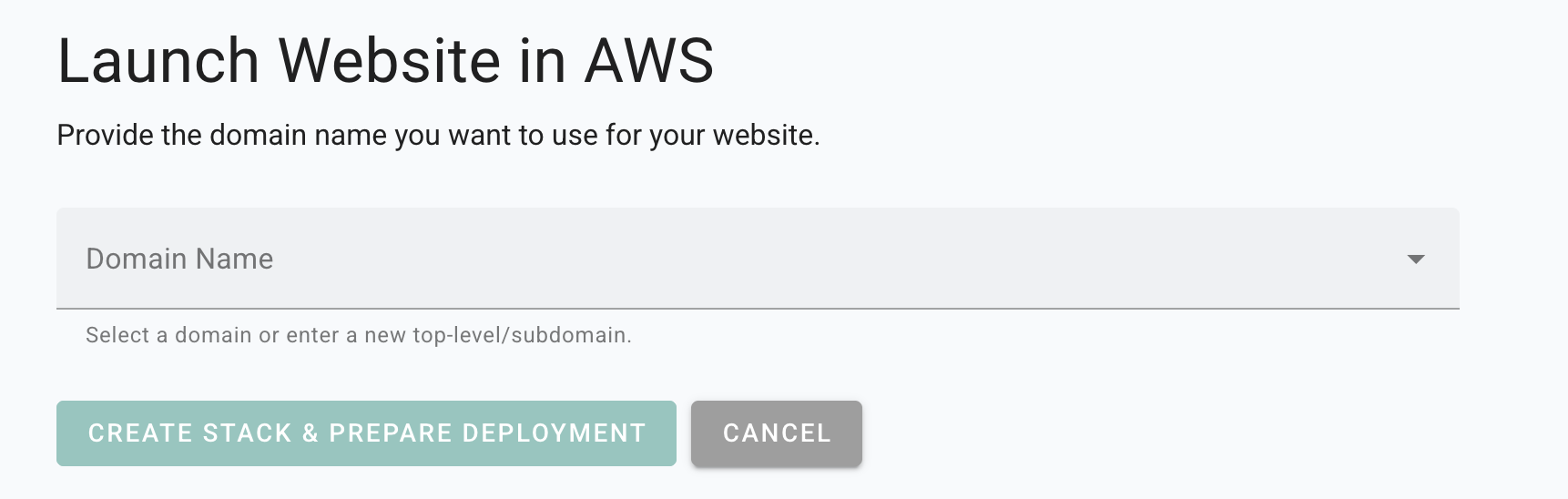
Enter the Domain
Staticbot will provide instructions to point the domain to your website.
Deploy
Staticbot will provision the Stack you created, first creating or updating the necessary infrastructure and then rolling out your website on top of it.
3Visit Your Web App
Deployment Complete
Staticbot will provide a live URL. Your v0-generated project is now live on AWS infrastructure!
No Vendor Lock-in
Staticbot is built on transparency. If you choose to deploy to your own AWS account, the complete Terraform code is placed in an S3 bucket in your account.